Before using this function, please ensure:
Remote access authorisation has been enabled in your Porsche Communication Management (PCM).A stable internet connection in your car and on your phone.You have the security code you defined in My Porsche. To lock or unlock your Porsche:
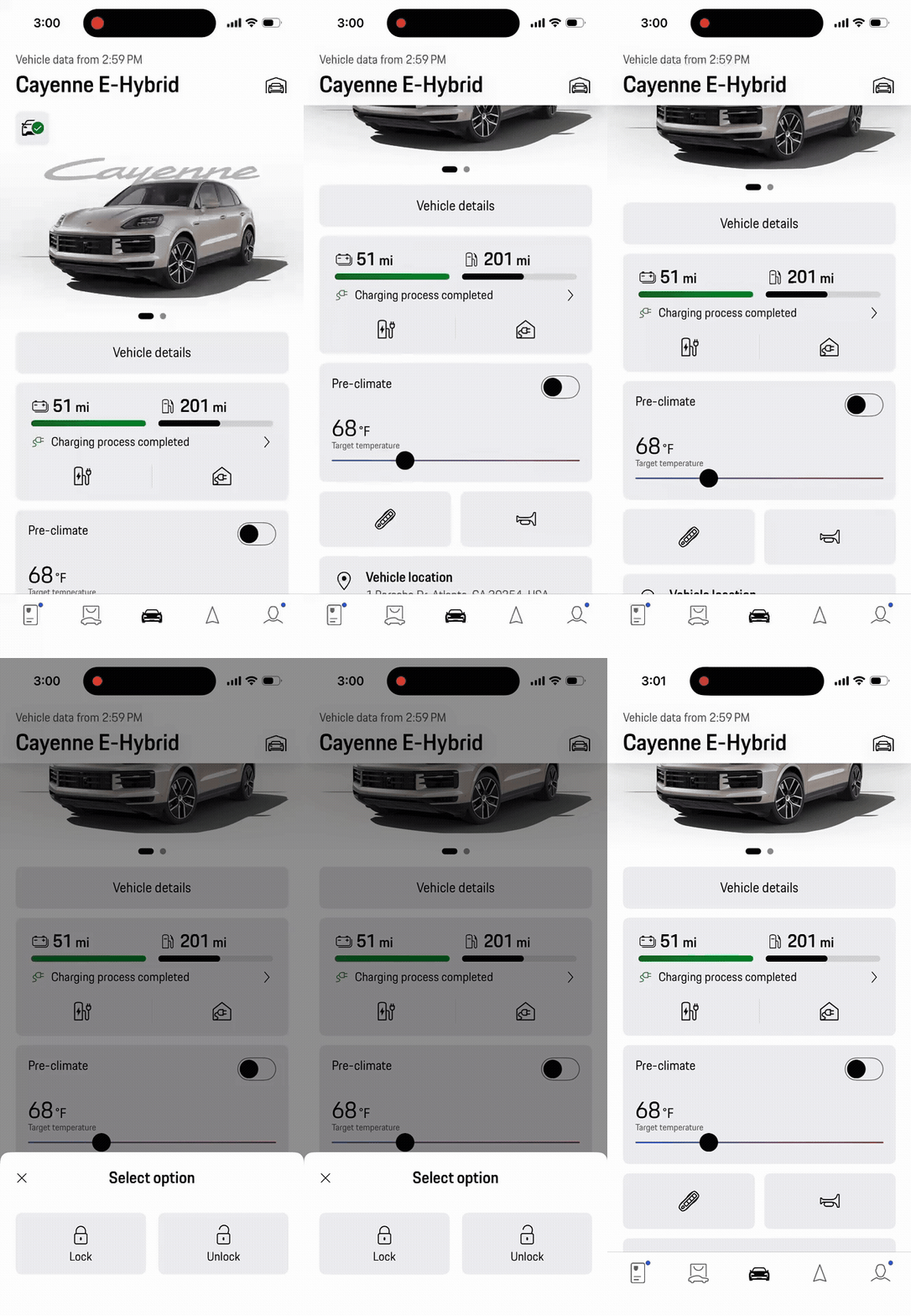
Open the My Porsche app on your phone.If you have more than one car in the app, swipe to select the correct one.Tap the lock icon below your car’s image on the home screen.Tap Lock or Unlock.When unlocking: Confirm you understand that remote unlocking may allow unauthorized access to your car. Then enter the security code that you set in My Porsche. You can link your Face ID with the security code to use this function via Face ID authentication in the future. To do this, go to Account (person icon in the bottom navigation bar) > App Settings > FaceID not active in the app. Here you can activate and set up Face ID.When unlocked, the vehicle status icon turns black. When locked, it turns green. Note: For cars with Car Connect (provided by Vodafone), only the lock function is available.