How do I use the passenger display in the Taycan?
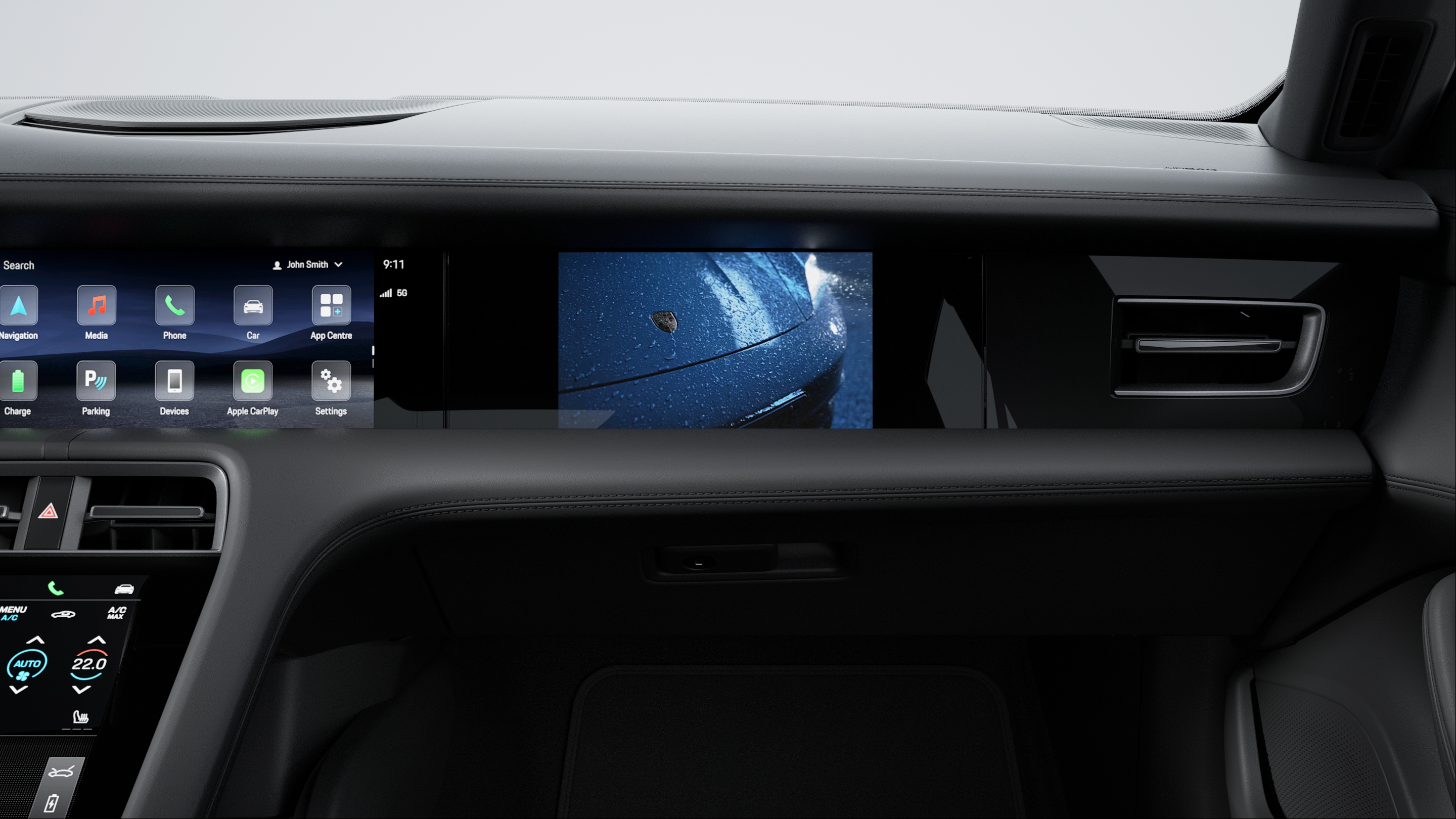
The optional Passenger Display extends the Taycan’s digital cockpit with a dedicated 10.9-inch Full HD touchscreen located on the passenger side. It provides the passenger with their own control area for infotainment, navigation and vehicle information. Content can be displayed and selected independently of the central display.
Table of Contents
Applicable models Settings Entertainment Cockpit Tile
Settings
The passenger display offers its own context-related settings options and can be operated independently of the central display. Depending on the selected content, settings can be accessed and adjusted via "Options". In addition, display settings for the passenger display can be adjusted in the PCM.
Entertainment
The passenger display offers full access to streaming apps installed via the App Center. Media sources such as Apple Music or Spotify can be controlled directly via the display. Passengers can manage playlists, select tracks and switch between media sources.
Thanks to the integrated Privacy Mode, the screen remains invisible to the driver while the vehicle is in motion. This allows the front passenger to stream videos, for example, without distracting the driver.
Cockpit Tile
The “Cockpit” tile displays current driving information from the driver's cockpit. This gives passengers an emotional insight into the driver's cockpit.
Current driving data can also be shown on the passenger display. Content can be viewed and selected independently of the central display.
More information
For detailed operating instructions, refer to the Owner's Manual.
Consumption and Emissions
Taycan (WLTP)*: Electrical consumption combined (model range): 3.6 - 3.2 mi/kWh, Range combined (model range): 372 – 422 miles, CO2 emissions combined* (model range): 0 g/km
Get help on Ask Porsche
Find answers to questions about your Porsche.