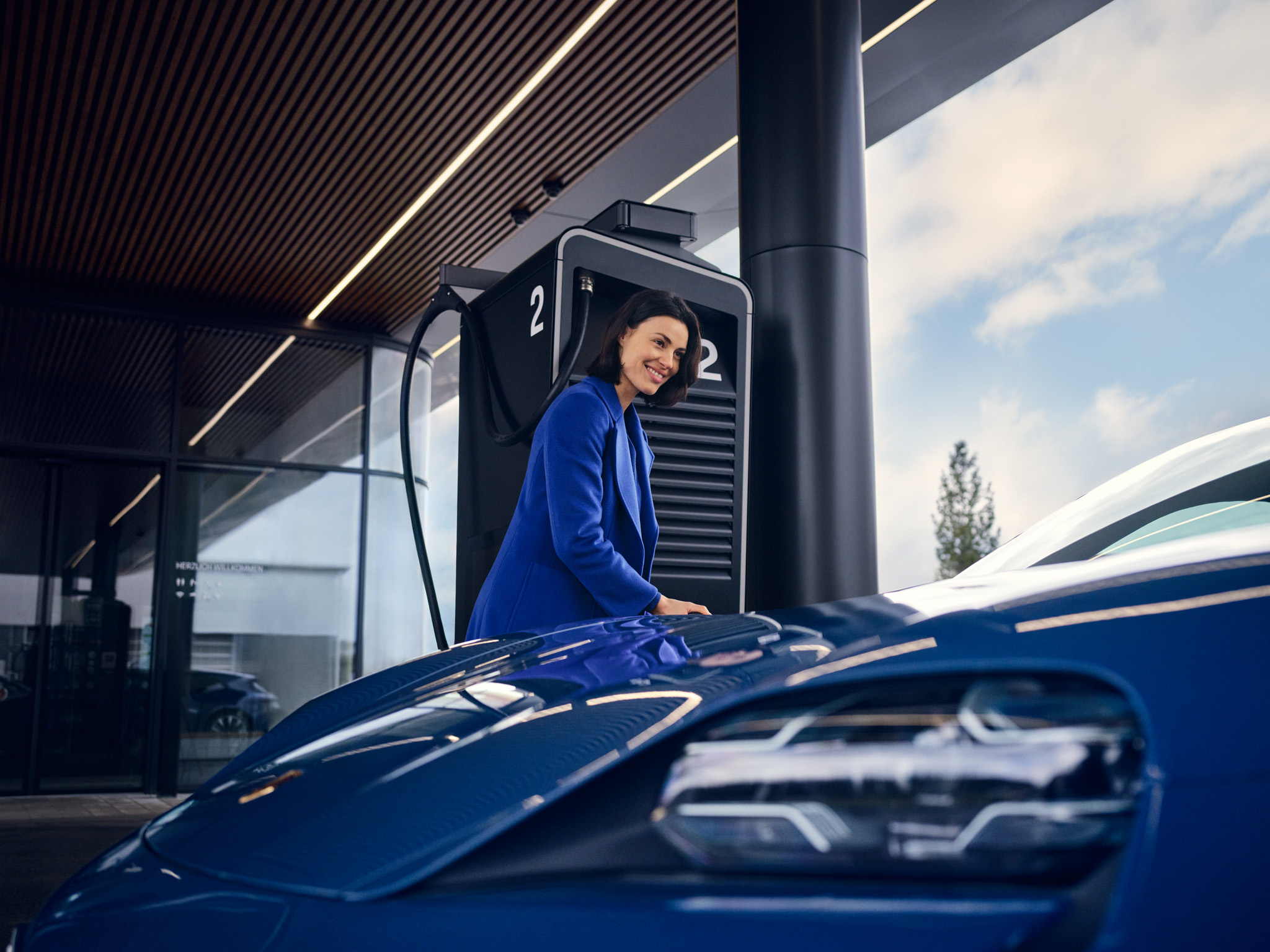
How do I use and personalise the central display in the Taycan?
The central display is the digital centrepiece of the Taycan and the primary user interface of the Porsche Communication Management (PCM). It combines infotainment, navigation and vehicle functions in a networked system with a clear menu structure and direct, precise operating response.
Table of Contents
Applicable models Display and Operation Features at a Glance Driver Assistance Systems Settings
Display and Operation
The 10.9-inch full HD touch display is precise, high-contrast and has a glare-free surface. Its smartphone-like operating logic enables intuitive operation. Inputs are made using multi-touch gestures such as swiping, tapping or zooming.
The display includes:
The central display and the instrument cluster are closely networked: Content such as driving modes, navigation and media are displayed synchronised. Adjustments made in the PCM are therefore also visible in the instrument cluster. The result is a seamless, digital driving experience.
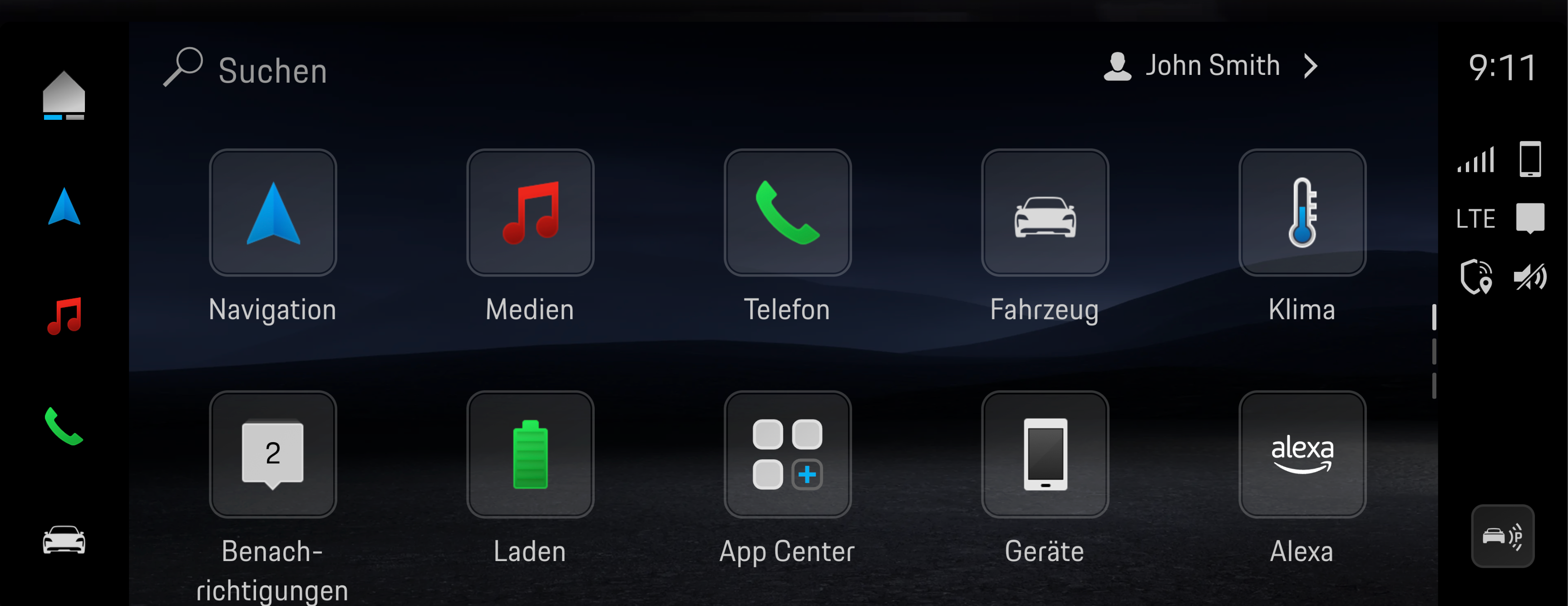
Features at a Glance
The PCM provides access to a wide range of configurable and personalised Taycan features, including:
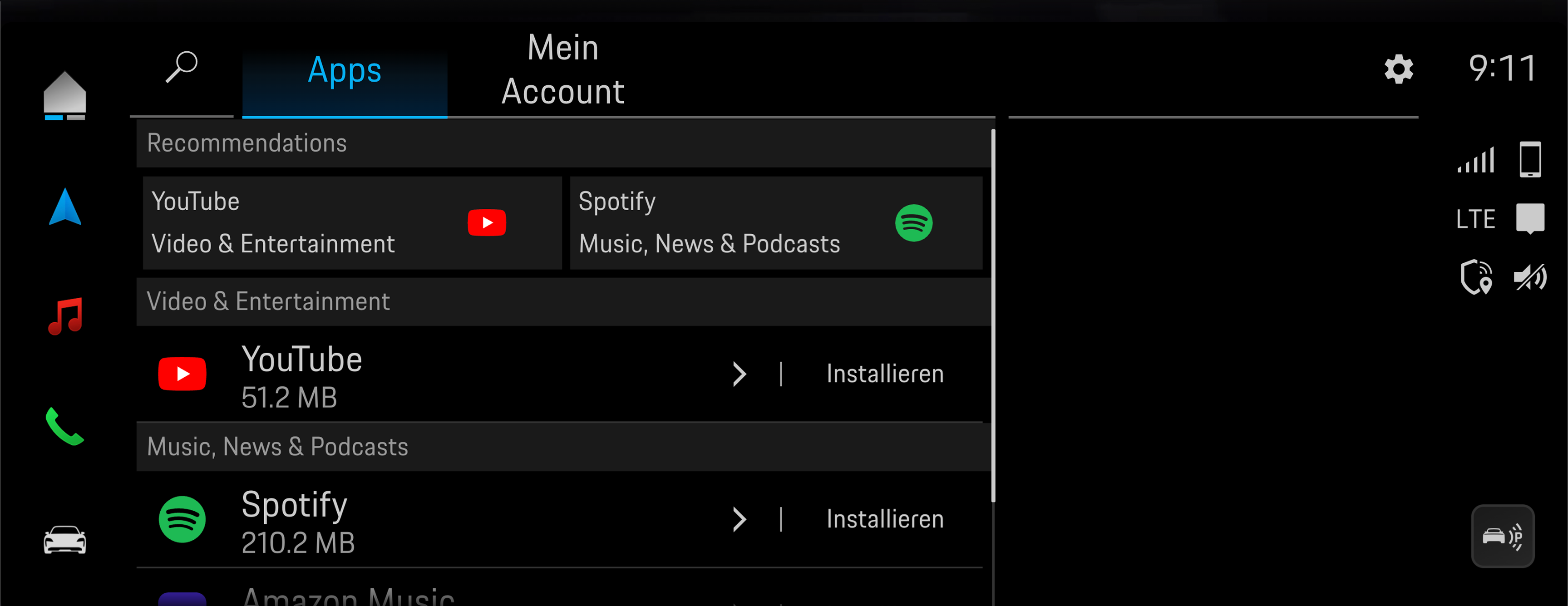
Driver Assistance Systems Settings
The Taycan's driver assistance systems can be activated and customised directly in the PCM. These include, among other things:
Integration is both visual and functional and is closely linked to the instrument cluster. Changes, such as activated lane guidance or the selected distance range, are displayed via status icons in the driver assistance view. This means you always have a clear overview of which systems are active and how they are working.
Consumption and Emissions
Taycan (WLTP)*: Electrical consumption combined (model range): 3.6 - 3.2 mi/kWh, Range combined (model range): 372 – 422 miles, CO2 emissions combined* (model range): 0 g/km
Get help on Ask Porsche
Find answers to questions about your Porsche.