How do I operate the instrument cluster in the Taycan?
The Taycan features a fully digital instrument cluster in the characteristic tube design. It is clearly driver-oriented and offers a variety of individually relevant views. Depending on the selected display, information on driving mode, assistance systems, navigation, media and other vehicle functions is shown.
Table of Contents
Applicable models Layout and Display Options Left Tube - Display Options Center Tube - Display Options Right Tube - Display Options Special Display Mode
Personalisation Apple CarPlay & Android Auto
Layout and Display Options
The instrument cluster consists of three digital tubes, each freely configurable.
Left Tube - Display Options
Center Tube - Display Options
Right Tube - Display Options
Special Display Mode
The navigation map can be shown in two styles: minimal or expanded. In expanded mode, the map spans all three tubes.
Personalisation
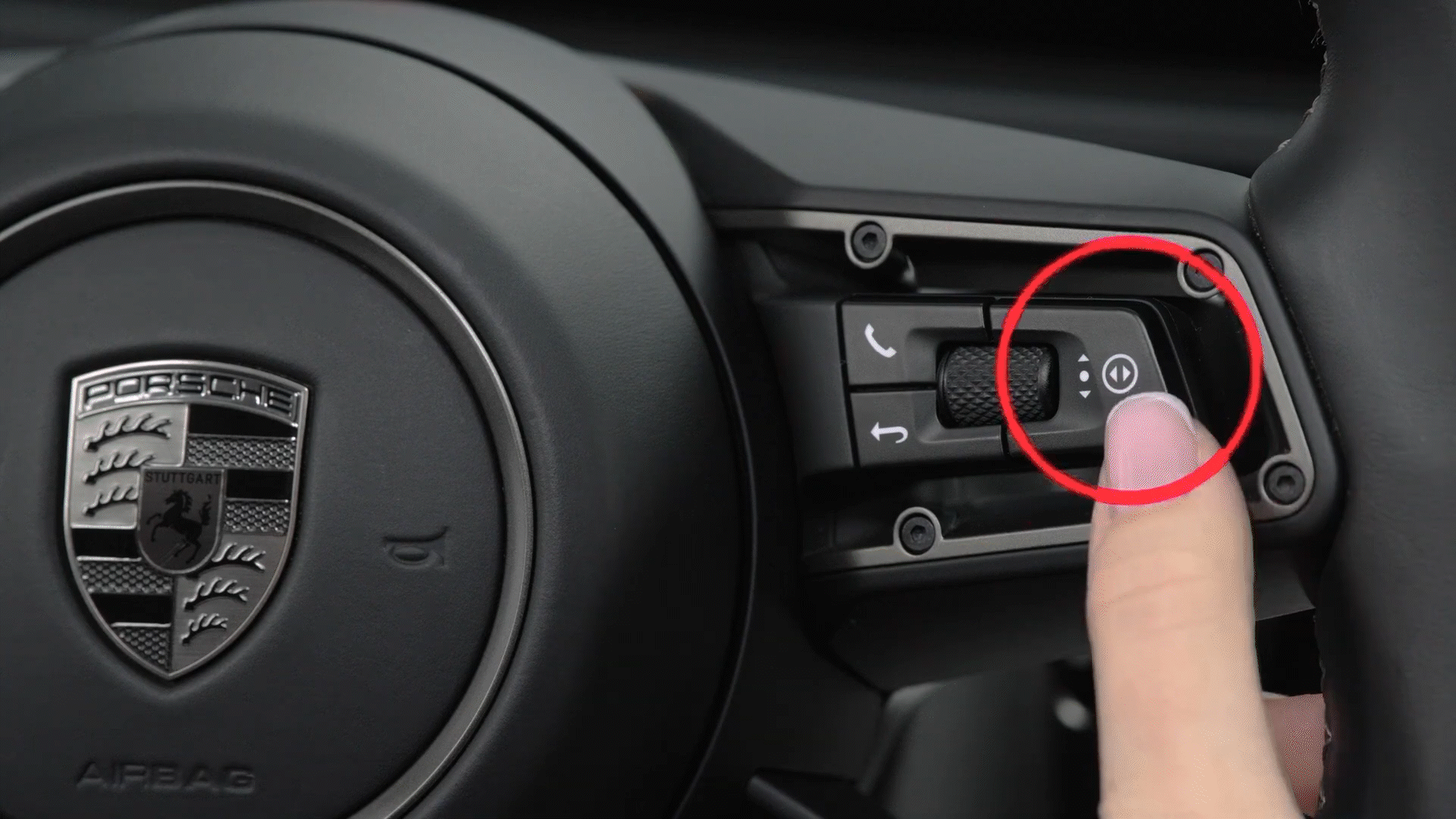
Each tube can be individually configured - for example, to display navigation, media, energy flow, consumption, driver assistance systems, Sport Chrono, and more. Configuration is done via the toggle switch and scroll wheel on the steering wheel.
All settings are saved to the driver profile and will be automatically restored the next time the same profile is used.
Apple CarPlay & Android Auto
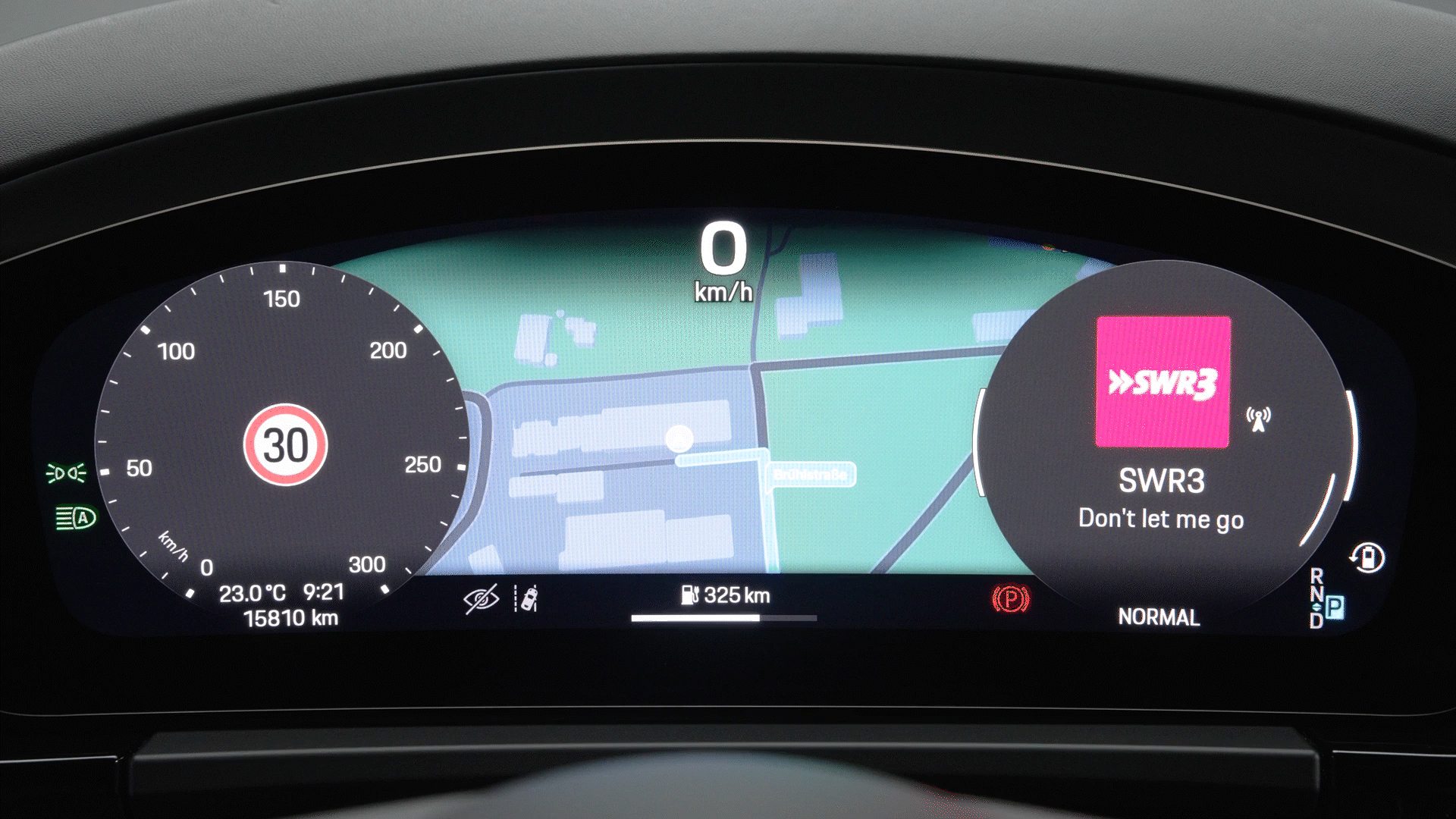
When a smartphone is connected via Apple CarPlay or Android Auto, the right tube displays information such as:
Media playback can be controlled using the skip button on the left-hand steering wheel spoke, which allows you to skip tracks, pause or play music.
Consumption and Emissions
Taycan (WLTP)*: Electrical consumption combined (model range): 3.6 - 3.2 mi/kWh, Range combined (model range): 372 – 422 miles, CO2 emissions combined* (model range): 0 g/km
Get help on Ask Porsche
Find answers to questions about your Porsche.