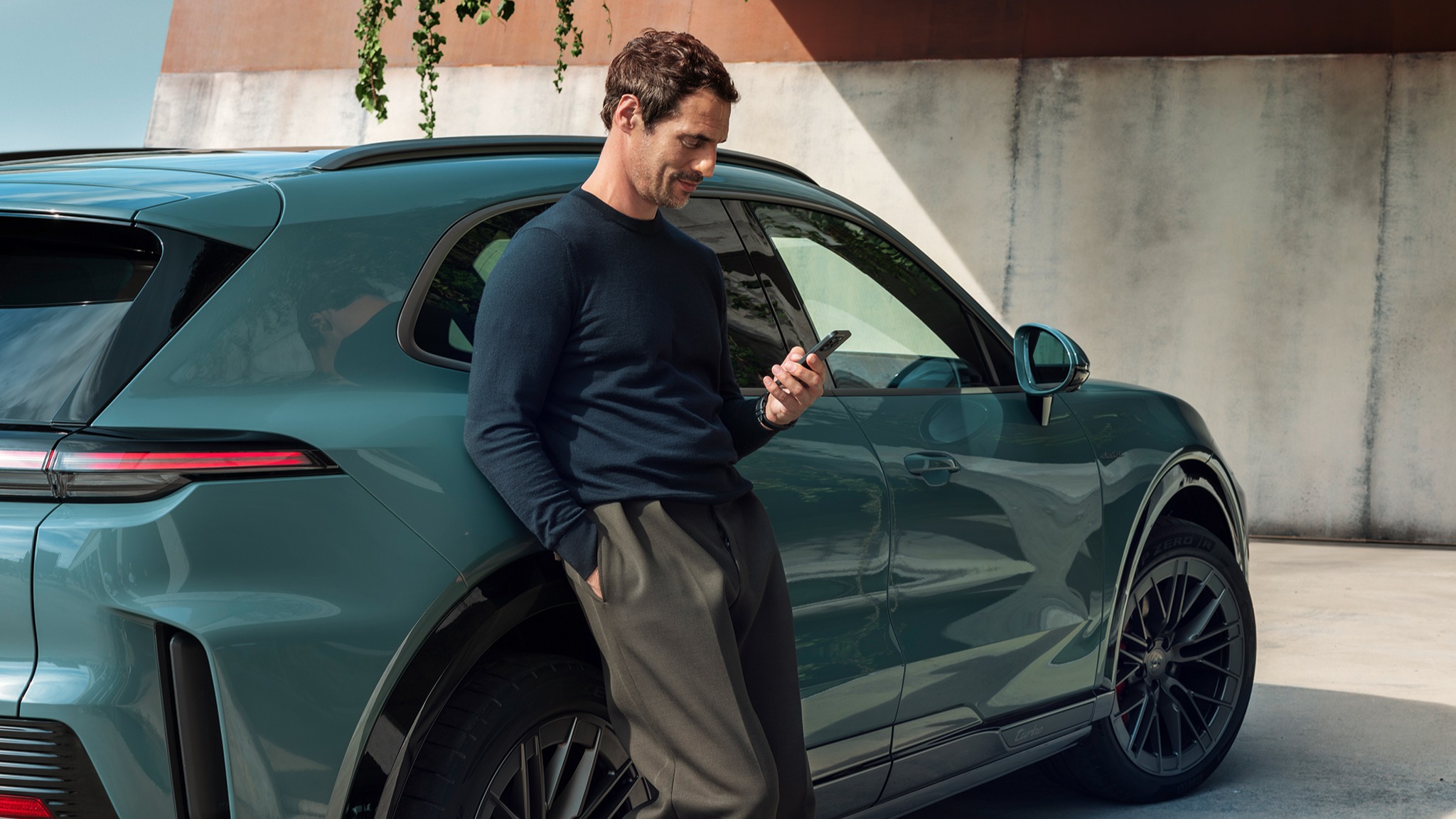
How do I use and personalise the central display in the Cayenne Electric?
The central display is the digital heart of the Cayenne and the primary control interface for the Porsche Communication Management (PCM) system.
It forms part of the Porsche Driver Experience and, together with the instrument cluster, the augmented reality head-up display (AR HUD, optional) and the passenger display (optional), it creates an interconnected display and operating concept.
The PCM provides a clear menu structure, short operating paths and intuitive user guidance for vehicle functions, infotainment and digital services.
Table of Contents
Applicable models Display and Operation Features at a Glance Driver Assistance Systems Settings Individualisation
Display and Operation
The Cayenne features the Flow Display. It is ergonomically oriented towards the driver, seamlessly integrated into the centre console, and operated via touch and precise analogue switches.
The Flow Display, the climate control panel and the ergonomic hand rest form a seamless display and operating unit. Everything is perfectly coordinated, easy to see and within comfortable reach for the driver. Precise haptic controls and the ergonomic hand rest ensure focused and safe operation.
Operation is performed using touch control with multitouch gestures, complemented by physical operating elements such as steering wheel controls, the volume roller and voice control.
The central display and the instrument cluster are closely interconnected: content such as driving modes, navigation and media is displayed synchronously. Adjustments made in the PCM are therefore also visible in the instrument cluster.

Features at a Glance
The PCM provides access to configurable and personalised features of the Cayenne, including:

Driver Assistance Systems Settings
Driver assistance systems can be activated and adjusted directly via the PCM. These include, among others, the Lane Keep Assist, the Lane Change Assist and the Traffic Sign Recognition.
The systems are closely linked visually and functionally with the instrument cluster. Status displays and feedback are clearly presented there, ensuring it is always easy to see which assistance systems are currently active.
Individualisation
The PCM user interface can be customised:
With personalised settings, frequently used functions can be accessed quickly via widgets or the Control Centre. Settings stored in the user profile can be activated with a tap and restore the preferred vehicle setup.
Consumption and Emissions
Cayenne Electric (WLTP): Electrical consumption combined (model range): 3.2 - 2.8 mi/kWh, Range combined (model range): 358 – 399 miles, CO2 emissions combined* (model range): 0 g/km
Get help on Ask Porsche
Find answers to questions about your Porsche.