How to enable Plug & Charge in your Porsche Taycan
Plug & Charge allows you to conveniently charge your Taycan without an app, credit card or other external identification at the charger. After plugging in the charging cable, your car will automatically communicate with the Plug & Charge-enabled charging station and automatically initiate the charging process.
Table of Content
Applicable models How to activate Plug & Charge How to activate the Porsche Charging Service and install the Plug & Charge certificate
How to activate Plug & Charge
To use Plug & Charge, ensure:
Steps to activate in PCM:
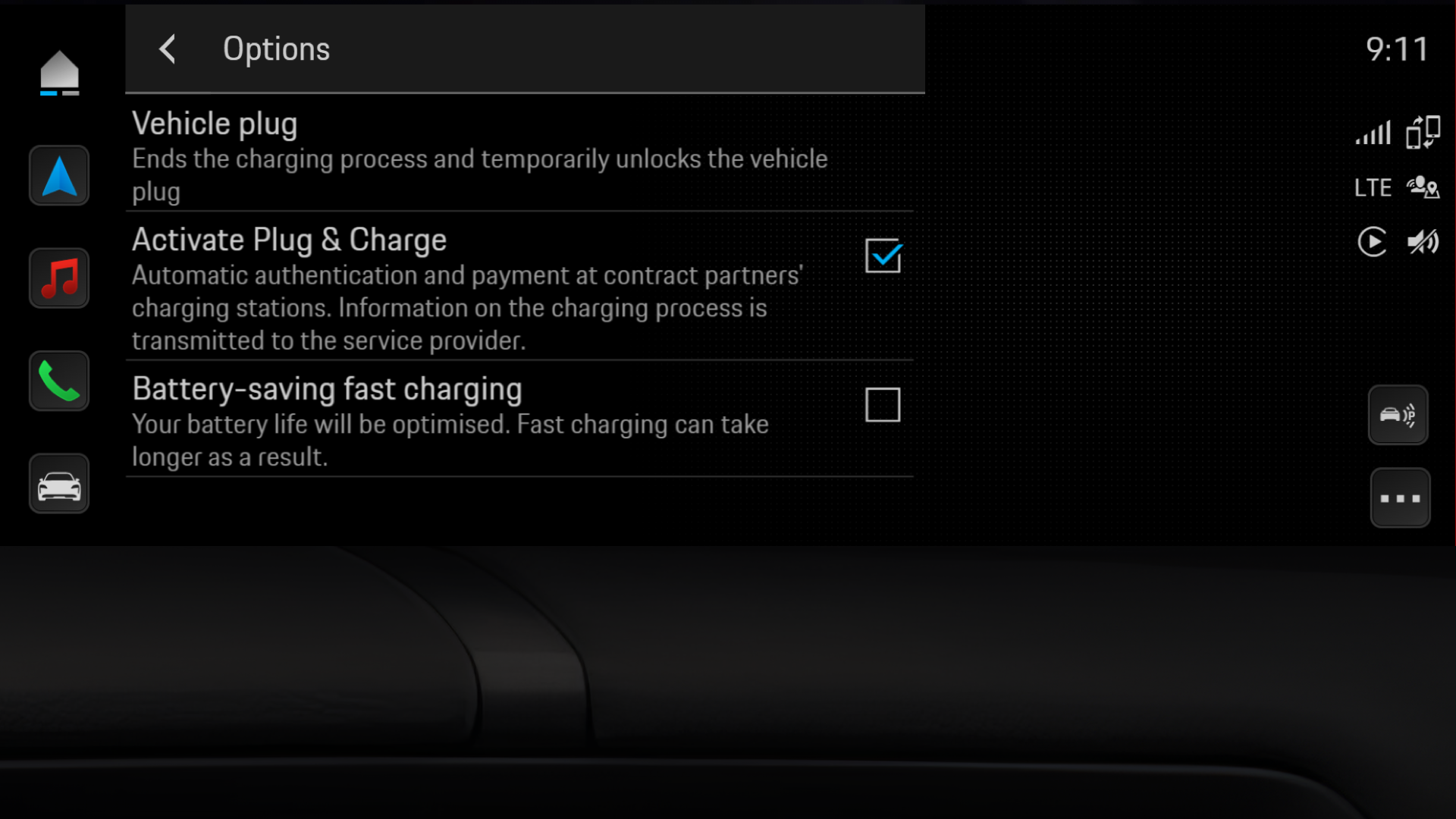
Please note:
How to activate the Porsche Charging Service and install the Plug & Charge certificate
There’s no need to manually install a certificate with the Porsche Charging Service. Once the Porsche Charging Service and Plug & Charge in the PCM of your car are both active, you’re all set to charge after your first visit to an Electrify America location. For more details about how to activate the Porsche Charging Service, please visit How can I manage my Porsche Charging Service?.
Plug & Charge J1 - FAQs
How do I skip Plug & Charge authorisation if I don’t want to use it?
If you want to bypass Plug & Charge, two options are available:
Can I uninstall an installed contract certificate?
Yes, using the My Porsche app:
Alternatively:
Factory resets also delete all user data, including the certificate. If selling your car, cancel the Charging Service to prevent automatic certificate reinstallation.
Why is Plug & Charge charging not working?
Not all charging stations are compatible with Plug & Charge. You can easily verify station compatibility within the My Porsche app. Here’s how to find out:
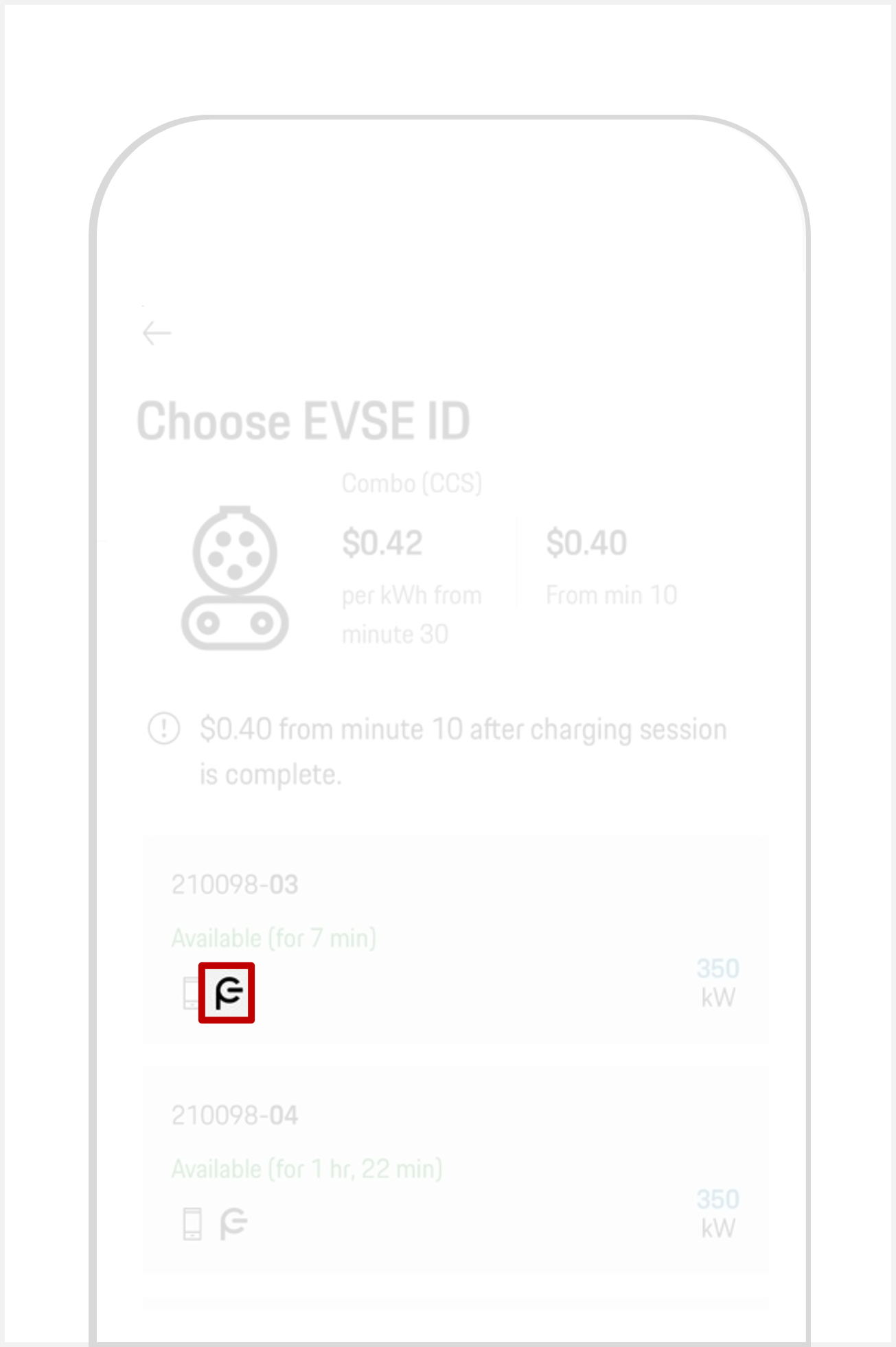
You can also filter the map view in the My Porsche app to display stations that offer Plug & Charge. This list is curated by the Porsche Charging Service.
If Plug & Charge is activated in your (PCM), your Porsche Charging Service contract certificate is installed and Plug & Charge is supported by the charging station, but a charging session still fails to start, the station automatically turns on compatibility mode.
Compatibility mode allows you to charge at charging stations that are not fully compatible with Plug & Charge. It turns off automatically when you restart the vehicle or change gears.
You can also start compatibility mode manually, just make sure that the charging cable isn’t plugged in first.
Alternatively, you can turn on compatibility mode by holding the release button at the vehicle charge port for 3 seconds.
Please note: While compatibility mode is active, the Plug & Charge function is not available. For your next charging attempt, you’ll need to use an alternative authentication method.
If Plug & Charge is activated in your (PCM), your Porsche Charging Service contract certificate is installed and Plug & Charge is supported by the charging station, but a charging session still fails to start, the station automatically turns on compatibility mode.
Compatibility mode allows you to charge at charging stations that are not fully compatible with Plug & Charge. It turns off automatically when you restart the vehicle or change gears.
You can also start compatibility mode manually. Before doing so, make sure the charging cable isn’t plugged in.
You can also turn on compatibility mode by holding the release button at the vehicle charge port for 3 seconds.
Please note: While compatibility mode is active, the Plug & Charge function is not available. For your next charging attempt, you’ll need to use an alternative authentication method.
If Plug & Charge is activated in the Porsche Communication Management (PCM), your Porsche Charging Service contract certificate is installed and Plug & Charge is supported by the charging station, and yet an error occurs while trying to start charging, the charging station automatically turns on the compatibility mode.
Compatibility mode allows you to charge at charging stations that are not fully compatible with Plug & Charge. It turns off automatically when you restart the vehicle or change gears.
You can also start the compatibility mode manually. Before doing so, make sure that charging cable isn’t plugged in.
Alternatively, you can turn on compatibility mode by pressing and holding the release button at the vehicle charge port for 3 seconds.
Please note: While compatibility mode is active, the Plug & Charge function is not available. For your next charging attempt, you’ll need to use an alternative authentication method.
How can I deactivate Plug & Charge?
Selected charging stations can be unlocked using Plug & Charge by simply plugging in the charging cord to your car. If you experience ongoing compatibility issues with a specific charging station, or if you don’t wish to use Plug & Charge, the feature can be deactivated in your car's Porsche Communication Management (PCM) to start the charging process manually: