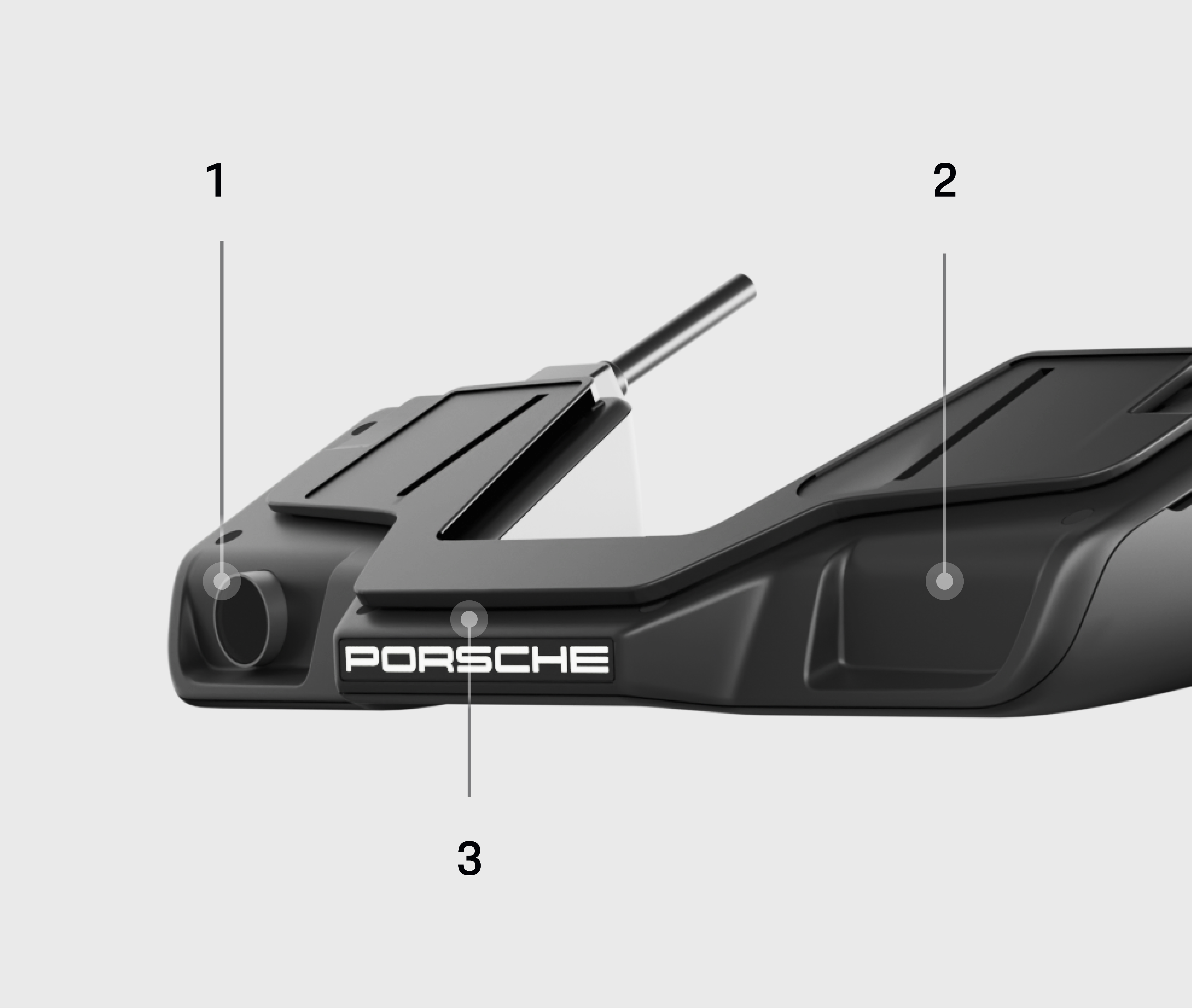
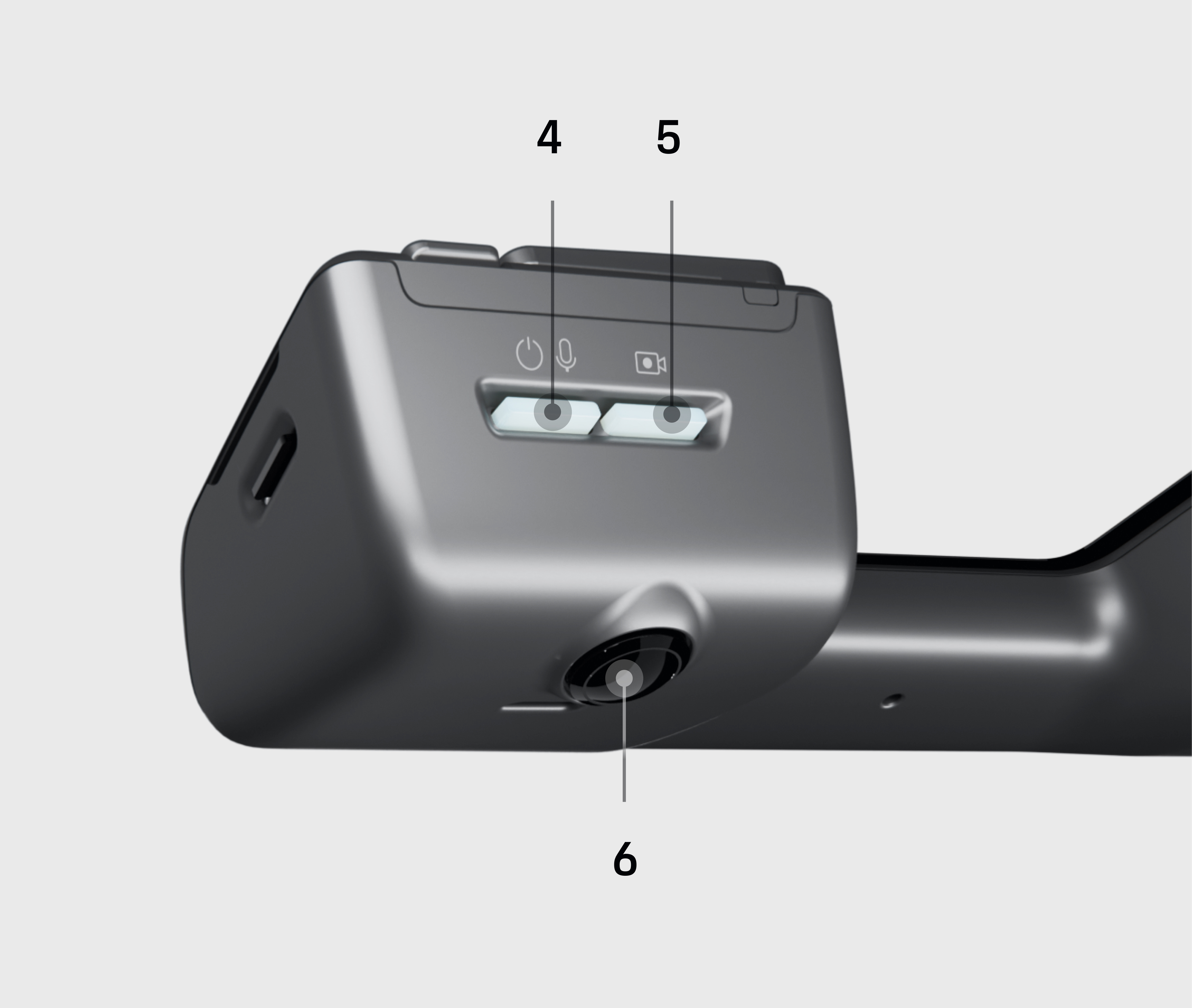
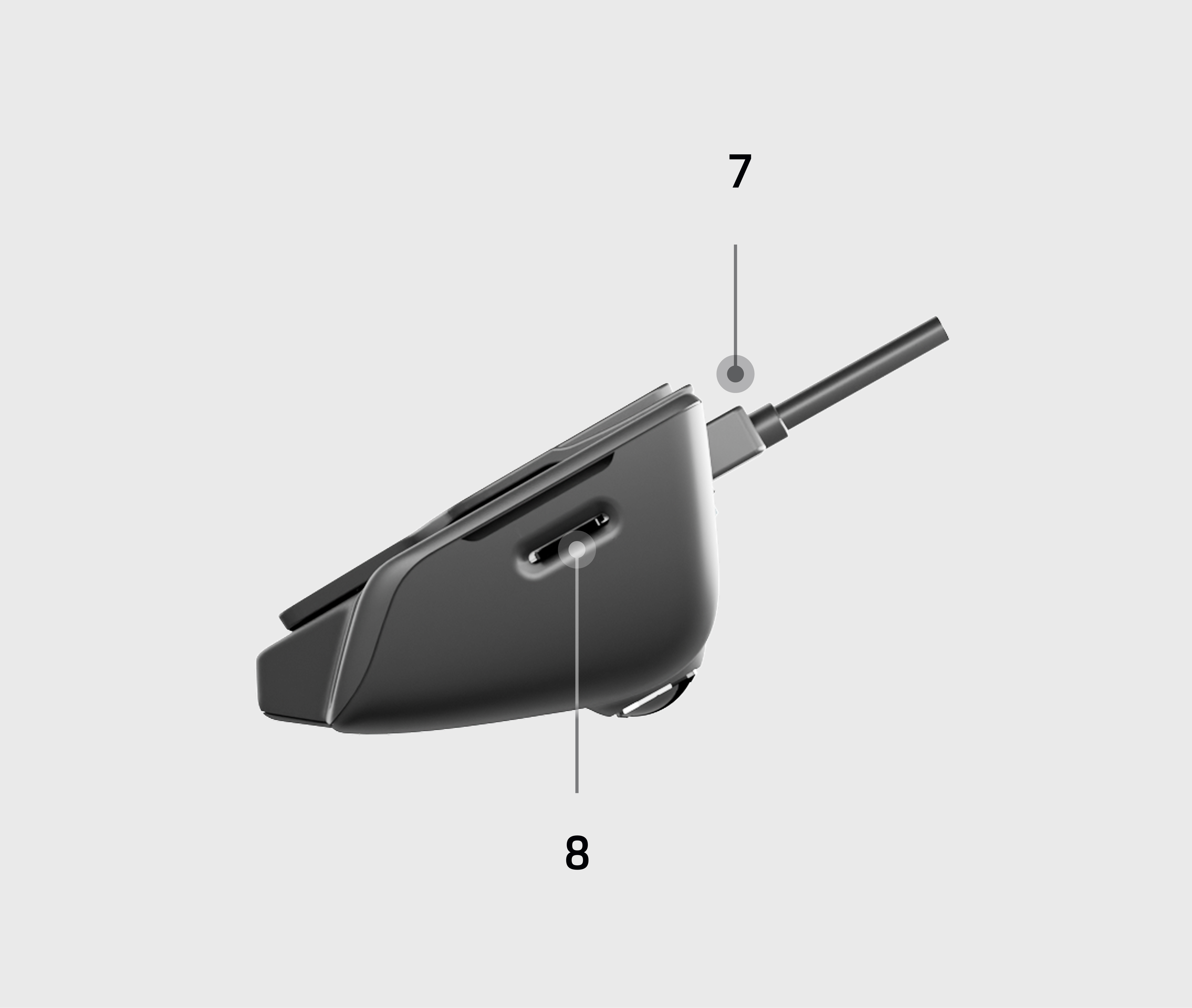
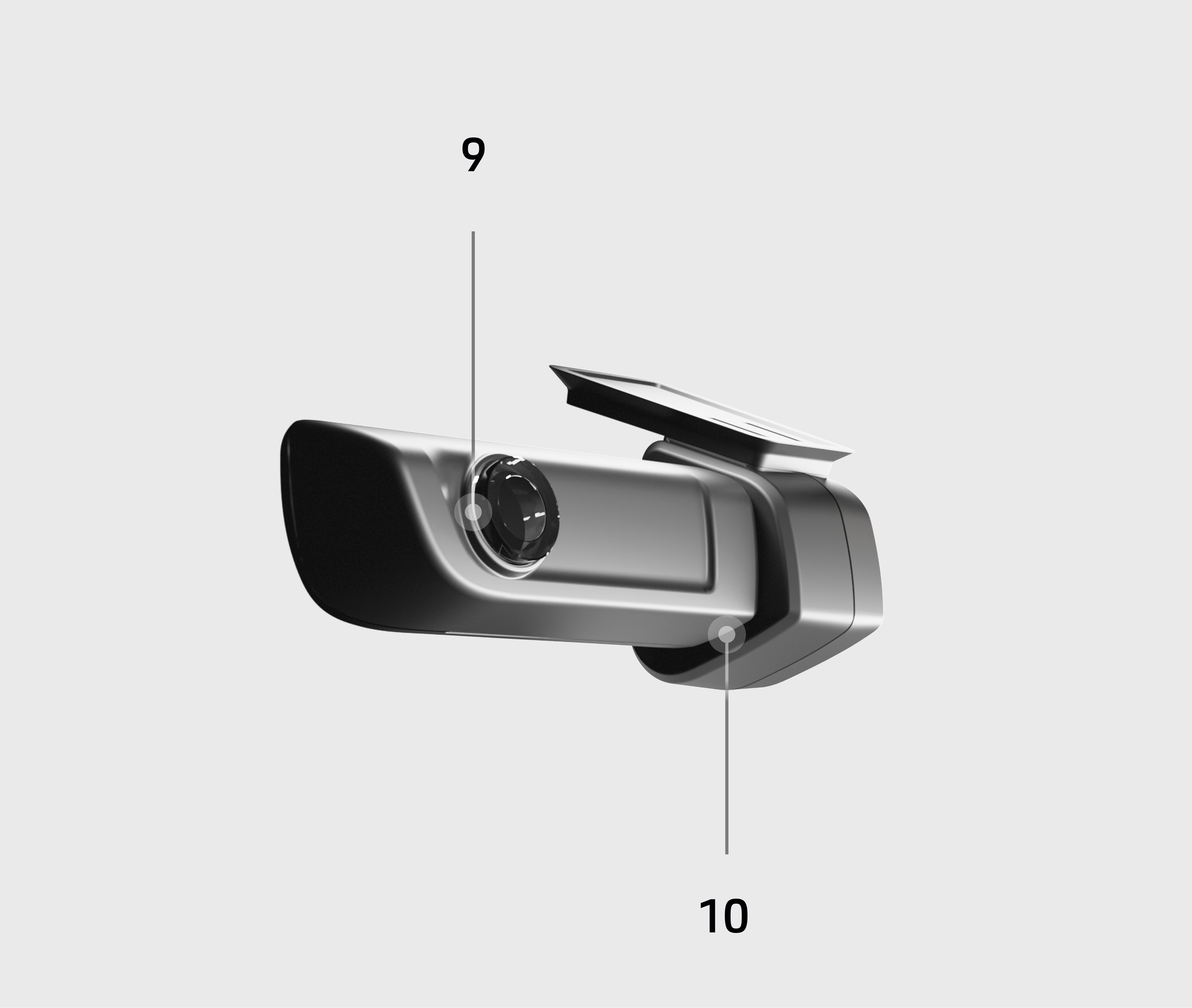
The dashcam uses the On/Off Button (left) and Event Button (right) LED indicators to display its current operating status.
Power off
Event button: Off. On/off button: Off. Power on (microphone off)
Event button: Off. On/off button: Solid orange. The dashcam is powered on and operational, but audio recording is disabled.
Power on (microphone on)
Event button: Off. On/off button: Solid red. The dashcam is powered on and audio recording is enabled.
Recording in progress (event or continuous recording)
Event button: Solid red. -> A recording is currently in progress, either event-based or continuous. On/off button: Red/orange. -> The dashcam is actively recording video. Factory reset in progress
Event button: Flashing red. On/off button: Flashing red. A factory reset is being performed. Do not disconnect power or operate the dashcam until the process has finished.
MicroSD card formatting in progress
Event button: Off. On/off button: Flashing red. The microSD card formatting process is being performed. Do not disconnect power or operate the dashcam until the process has finished.
Software update in progress
Event button: Off. On/off button: Flashing green. A software update is currently being installed. Do not disconnect the dashcam from power during the update process.
Confirmation required during initial setup
Event button: Off. On/off button: Solid green. The dashcam is waiting for user confirmation during the initial setup process. Press the required button to continue the setup.
Note: If the LED behaviour differs from the statuses listed above, restart your car and the dashcam. If the issue persists, contact your Porsche Centre for assistance.