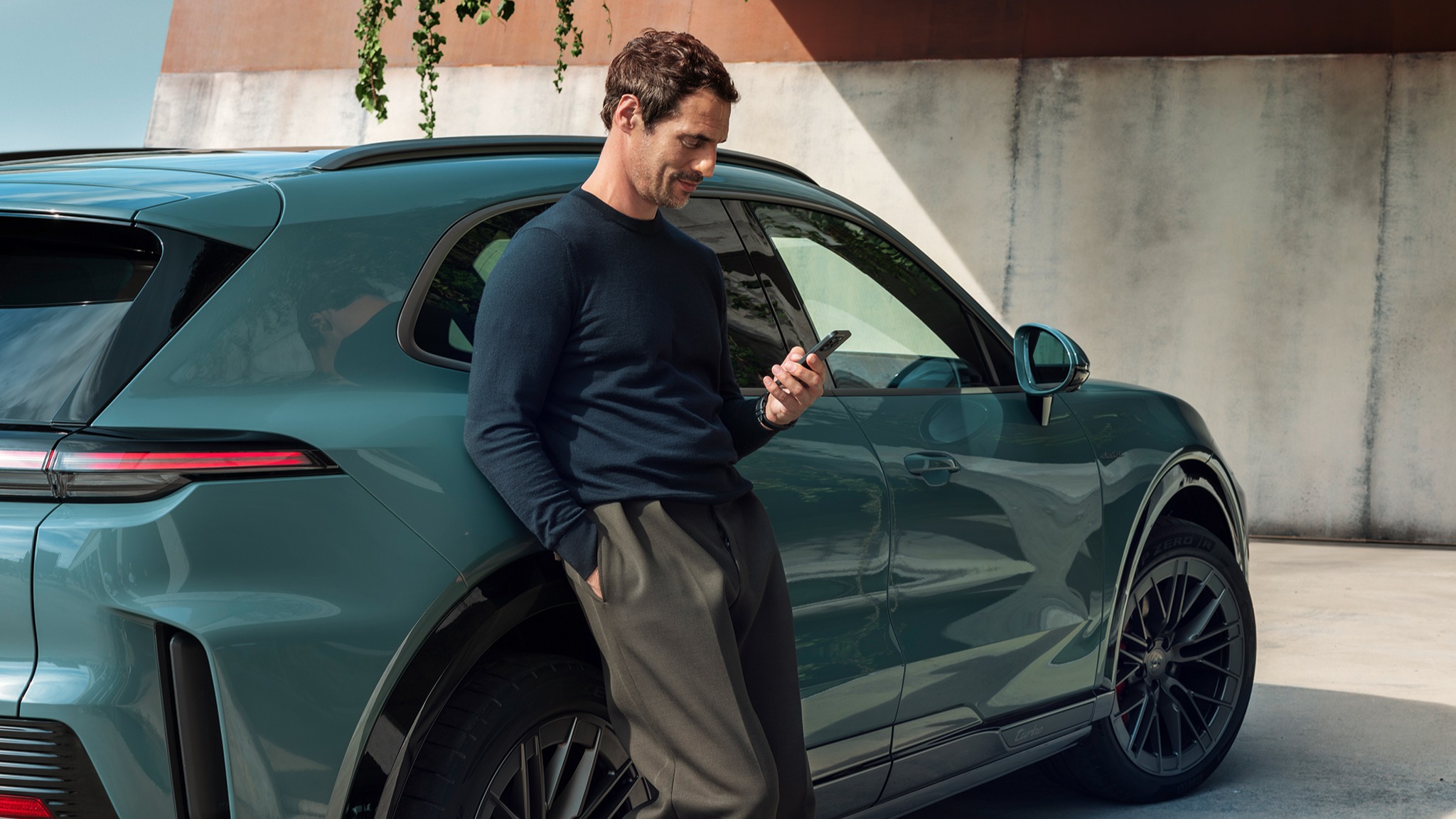
How do I use Porsche ID profiles in the Cayenne Electric?
As a Cayenne owner, you can add other people - such as family members - as secondary users (additional drivers) for your car and its Connect Services. Each secondary user will then receive their own Porsche ID and can configure the services to suit their personal preferences.
Table of Contents
Applicable models Managing Profiles with Porsche ID How do I get my Porsche ID?
Managing Profiles with Porsche ID
The Cayenne Electric uses the key to identify who is behind the wheel. The linked Porsche ID loads the corresponding profile with the saved settings.
Up to 5 drivers can log in to the vehicle using their own Porsche ID.
The following settings, among others, are saved in the profile:
Important: To enable the saving of personal settings, Porsche Connect must be activated in addition to the Porsche ID.
The Porsche ID active in the vehicle is saved to the key currently in use whenever you leave the vehicle.
Tip: Use a separate vehicle key for the primary and secondary users. The user profile last associated with the key is activated as soon as you get in, and your most recent settings are applied.
How do I get my Porsche ID?
Detailed instructions can be found at What is the Porsche ID and how to get one?
Consumption and Emissions
Cayenne Electric (WLTP): Electrical consumption combined (model range): 3.2 - 2.8 mi/kWh, Range combined (model range): 358 – 399 miles, CO2 emissions combined* (model range): 0 g/km
Get help on Ask Porsche
Find answers to questions about your Porsche.