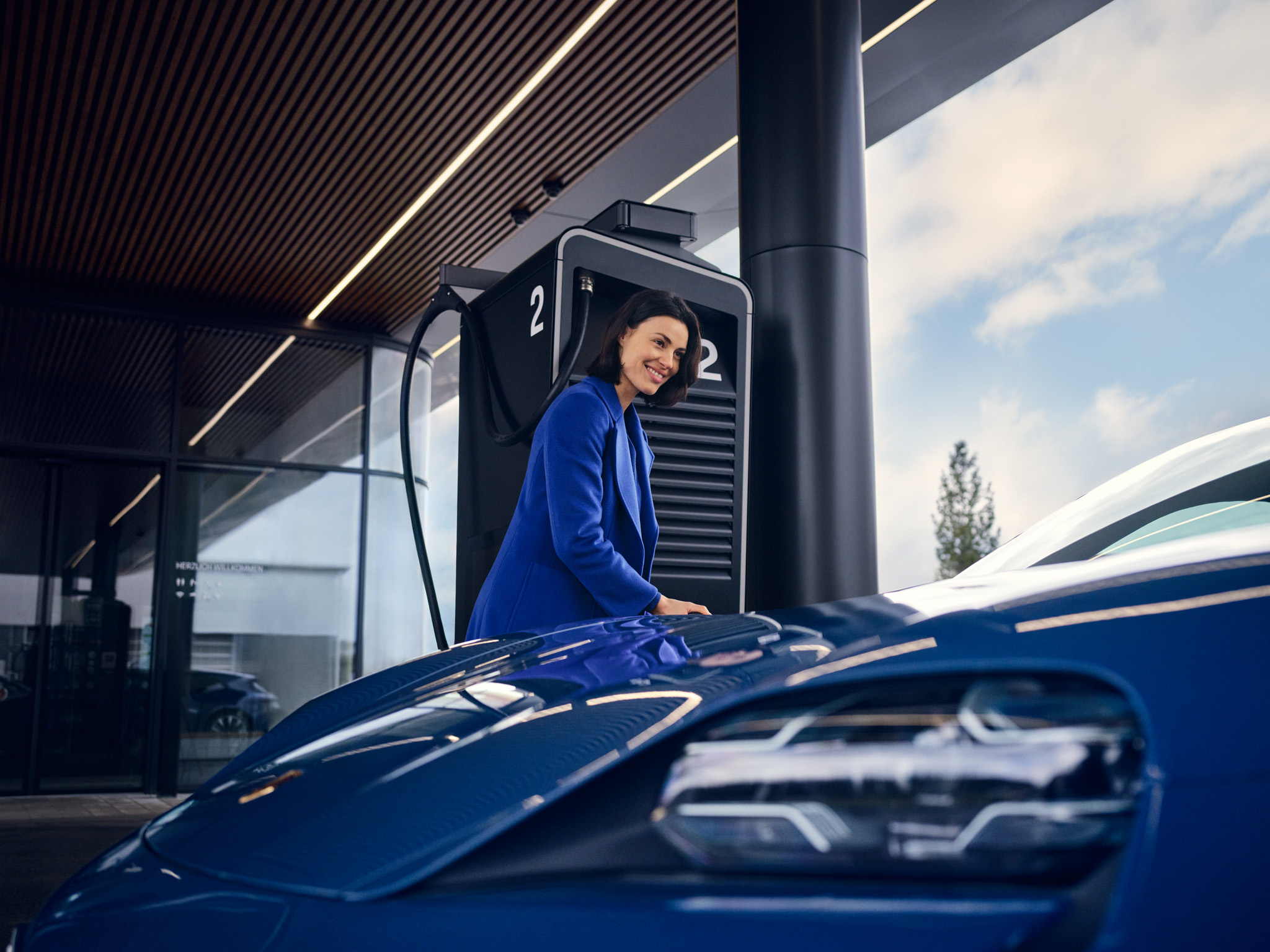
How do I use and configure Remote Park Assist in the Macan Electric (from MY T, 2026)?
Remote Park Assist extends the standard Optical Parking System and reversing camera with several automated parking functions as well as parking assistance systems. These systems support you when parking and manoeuvring out of parking spaces with visual and audible guidance, as well as automatic camera activation with 3D Surround View.
You can also use your smartphone to remotely perform parking and unparking manoeuvres from outside the vehicle. During the manoeuvre, the system controls the steering, acceleration, braking and gear selection. You only need to monitor the manoeuvre.
Remote Park Assist is part of the package Remote Park Assist including 3D Surround View, Comfort Access and Porsche Digital Key.
Table of Contents
Applicable models Scope of Remote Park Assist: Trained parking Remote Parking Reversing Assistant 3D Surround View incl. Transparent Bonnet Manoeuvring Assistant and Kerb Warning Rear Brake Assist (emergency braking function) Trailer Manoeuvring Assistant Configuration
Scope of Remote Park Assist:
Trained parking
The system can learn up to five individual parking routines, e.g. for a garage or workplace. After parking manually once, the route including the surrounding area (max. 200 metres) is saved.
When the vehicle starts up again, it automatically recognises the surroundings and offers to take over the parking process. The driver can interrupt or override the process at any time.
This works within a radius of 400 metres around the saved position.
Remote Parking
Remote Park Assist only works if you are within a radius of five metres of your vehicle with your smartphone. After getting out of the car, select the desired parking manoeuvre in the My Porsche app - for example, forwards or backwards - and then hand over control to the vehicle.
Remote Park Assist range of functions:
Reversing Assistant
The reversing assistant enables the vehicle to automatically drive up to 50 metres along a route that was previously driven forwards. This is particularly helpful in narrow driveways or areas with poor visibility. The route is automatically saved and can be travelled in reverse gear if required. It is controlled by the system, the driver merely monitors the process.
3D Surround View incl. Transparent Bonnet
The 3D Surround View function uses front and exterior mirror cameras to create a realistic bird's eye view of the vehicle and its surroundings. You can rotate the view manually via the touch display and switch to predefined viewing angles.
The Transparent Bonnet function projects the area underneath the vehicle virtually onto the display, which is particularly helpful when slowly rolling forwards over unclear terrain. Once the obstacle has been overcome, the display is shown for a limited time.
Manoeuvring Assistant and Kerb Warning
The Manoeuvring Assistant supports you when reversing in confined spaces. If the system detects an obstacle such as a bollard, a wall or a vehicle, it can prevent a collision by applying the brakes in a targeted manner.
The kerb warning complements this system: if a wheel comes too close to a kerb or low obstacle while steering, a colour-coded visual warning appears in the central display and in the camera display. This effectively prevents contact between the rim and kerb.
Rear Brake Assist (emergency braking function)
Rear Brake Assist recognises objects and people in the danger zone when reversing. If there is a risk of collision, the system can automatically initiate emergency braking to prevent accidents.
The function is active as soon as reverse gear is engaged and the system is activated.
Trailer Manoeuvring Assistant
This assistance system supports you when reversing with a trailer.
Once you have activated the system in the PCM (by pressing the trailer symbol), set the desired steering angle by swiping within the swivelling range on the central display. When reversing, you then only need to control the accelerator and brake - the system takes over the steering.
If the angle becomes too narrow, the system emits visual and acoustic warning signals and initiates an automatic braking process in critical situations.
Detailed instructions on operating the Trailer Manoeuvring Assistant can be found in the Owner's Manual.
Configuration
Park Assist is operated via the driver assistance control lever on the steering wheel. Additional settings can also be made in the PCM:
Vehicle > Assistance > Parking
The following functions, among others, can be activated or configured here:
Important notes:
Consumption and Emissions
Electrical consumption combined (WLTP)*: 21.1 – 17.9 kWh/100 km, CO₂-emissions combined (WLTP)*: 0 g/km
Get help on Ask Porsche
Find answers to questions about your Porsche.