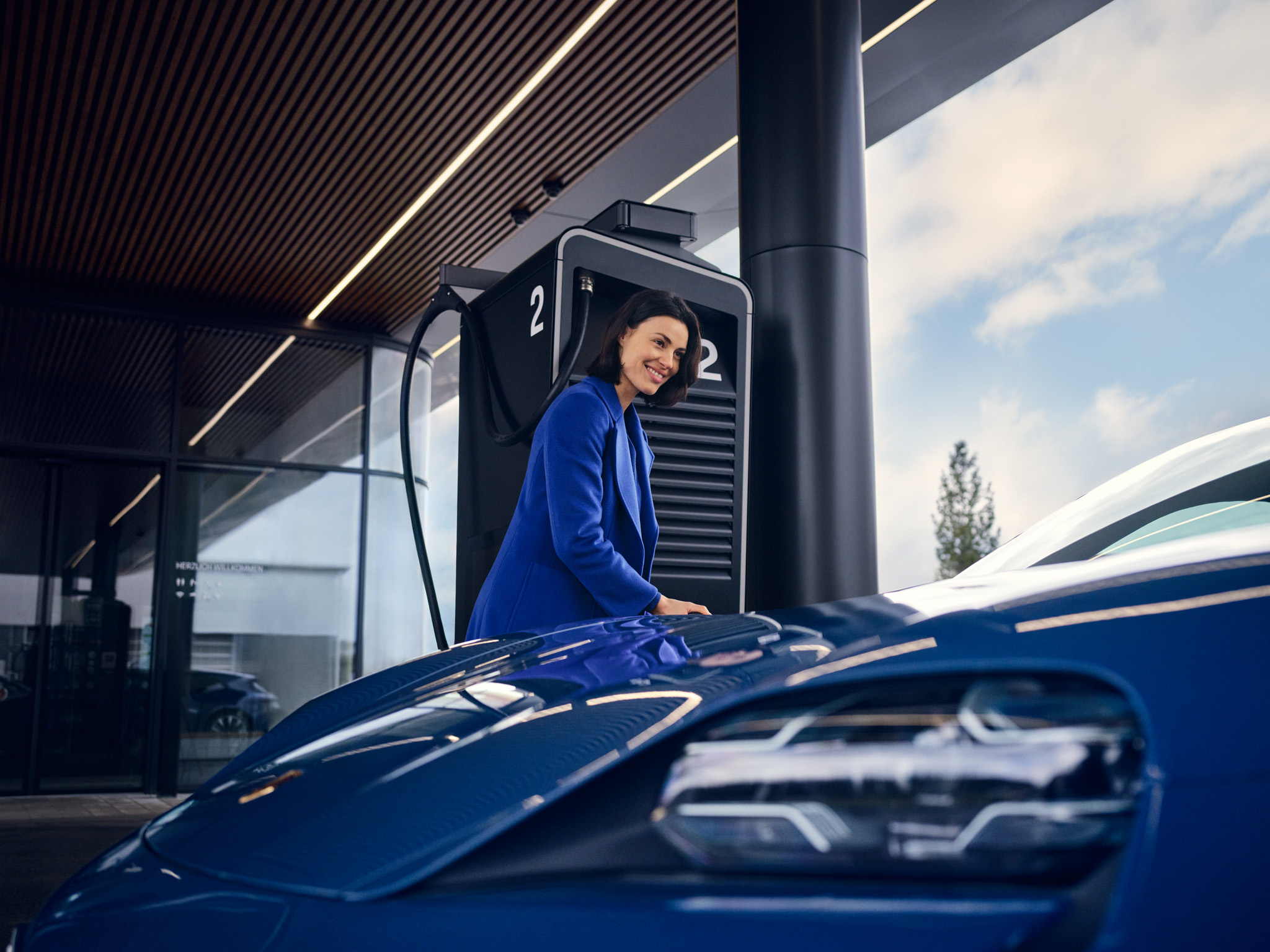
How do I use Porsche ID profiles in the Taycan?
As the owner of a Taycan, you can add other people - for example, family members - as secondary users (additional drivers) to your car and its Connect services. Each secondary user then gets their own Porsche ID and can configure the services according to their personal preferences.
Table of Contents
Applicable models Managing Porsche ID profiles How do I get my Porsche ID?
Managing Porsche ID profiles
The Taycan identifies the driver based on the vehicle key used. The Porsche ID is linked to the corresponding profile. When getting in, the corresponding user profile with the saved personal settings is loaded automatically.
Tip: Use a separate vehicle key for the primary and secondary driver. The key always retains the last profile used and automatically restores that profile’s settings the next time the vehicle is driven.
Up to five drivers can sign in to the vehicle using their own Porsche ID.
The following settings, among others, are stored in the profile:
Important : Personalisation requires an active Porsche ID and Porsche Connect. Privacy mode must be deactivated. Otherwise, no connection can be established between the My Porsche app and the vehicle, and Porsche Connect services will be limited.
My Porsche app is also available via Apple CarPlay. This allows selected vehicle functions to be operated directly within Apple CarPlay, without switching interfaces.
How do I get my Porsche ID?
Detailed instructions can be found at What is the Porsche ID and how to get one?
Consumption and Emissions
Taycan (WLTP)*: Electrical consumption combined (model range): 3.6 - 3.2 mi/kWh, Range combined (model range): 372 – 422 miles, CO2 emissions combined* (model range): 0 g/km
Get help on Ask Porsche
Find answers to questions about your Porsche.